

Articles and Documentation

Inside the Agentic Self: What ASU students build in will.i.am's class
Most AI classes teach you to use someone else's tools. HDA 294/494: The Agentic Self, offered at Arizona State University, asks you to build your own and to put it to work on a problem that matters to you.

Is There a Cost to Using CreateAI For Students?
Understanding CreateAI Usage and Cost for Faculty and Staff

Memory in CreateAI
The Memory feature in CreateAI helps your AI remember important details across conversations, making interactions more personalized and efficient. Whether you're building or using a project, Memory reduces repetition and improves response quality over time.

CreateAI Support Services
We’re committed to making sure you feel supported as you build, test, and deploy with CreateAI. Below are all the ways you can connect with our team.

How to Access Claude and Gemini APIs at ASU
Accessing Claude and Gemini APIs at ASU can be done through CreateAI or, in specific cases, through direct vendor procurement. This article explains the recommended CreateAI pathway, when vendor-native APIs may be required, and what to consider when choosing an access route.
Understanding URL Uploads and Indexing in CreateAI
The URL upload feature in CreateAI lets you index content from public ASU websites into your project’s knowledge base. This article explains how page depth works, how indexing levels affect what gets captured, and how to avoid common upload issues.
CreateAI Project Analytics Dashboard
The Analytics Dashboard, integrated into your CreateAI workspace, gives you real-time visibility into user engagement, usage trends, and project impact. Designed to support faculty, researchers, and builders alike, this feature helps you move from intuition to insight.
CreateAI APIs and Other Generative AI Access Options at ASU
Looking to build with generative AI at ASU? Your pathway to API access depends on your use case. This guide explains the approved routes for research, enterprise initiatives, and individual projects and how to get started.
Transitioning CreateAI Projects from Beta to Production
As the CreateAI Builder platform evolves, so does the structure that supports it. This guide outlines when to use Beta, when to use Production, and how to transition projects appropriately.
CreateAI Roles & Permissions Guide
As CreateAI adoption grows across ASU, we’ve seen some confusion around project roles and ownership. To ensure proper stewardship and collaboration, here’s a quick guide to Owner vs. Editor permissions and how ownership works within the platform.

Introducing the CreateAI Builder Marketplace
Explore, share, and collaborate on AI projects across ASU with ease
When to Use CreateAI Beta vs. Production: What You Need to Know
Since launching CreateAI, we've seen incredible growth from early testers, faculty innovators, and now the broader ASU community. But as more users join the platform, we’re noticing some confusion about the Beta vs. Production environments and it’s time to clear that up.
Here’s the key message:
Unless you're actively testing new features, you should be using the Production version of CreateAI Platform.
Can I Use FERPA Data in CreateAI Builder?
Yes, you may use FERPA-regulated student data in CreateAI Builder, but only under specific conditions. This article explains what that means, what protections are in place, and what responsibilities you have as a project owner.

Accepted File Types in CreateAI Builder - Current
CreateAI Builder supports a wide range of file types for uploading into your project’s Knowledge Base. This guide provides the full list of accepted file formats.
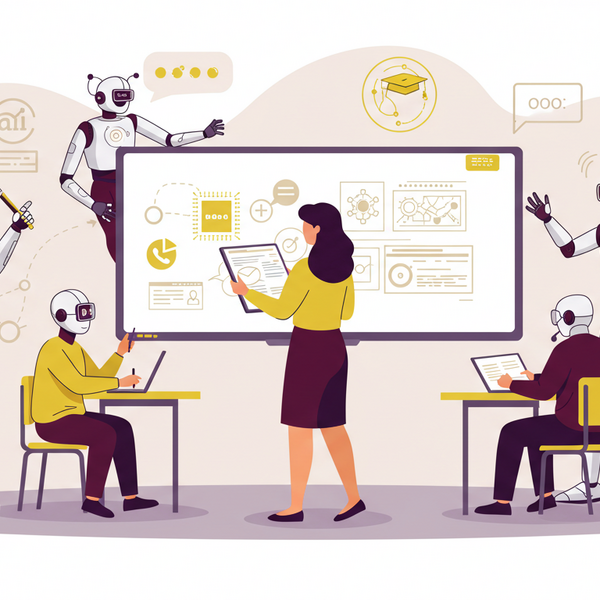
Students Using CreateAI: What Happens When You Upload a File?
If you’re using a CreateAI chatbot as part of a class, research, or student service, you may have the option to upload files like PDFs, assignments, or notes into the chat. Here’s what you need to know about how your files are handled and your privacy is protected.

CreateAI Builder: What Faculty Should Know About Student File Uploads
If you’ve created a custom bot using CreateAI Builder for students to use whether for advising, coursework, or academic support, here's what you need to know about how student file uploads are handled and what safeguards are in place.
This guide covers storage, privacy, copyright, and recommended practices for faculty-led bots.